
UI UX Design
Why Simplicity Is the Hardest Skill in UI/UX
Apr 9, 2026
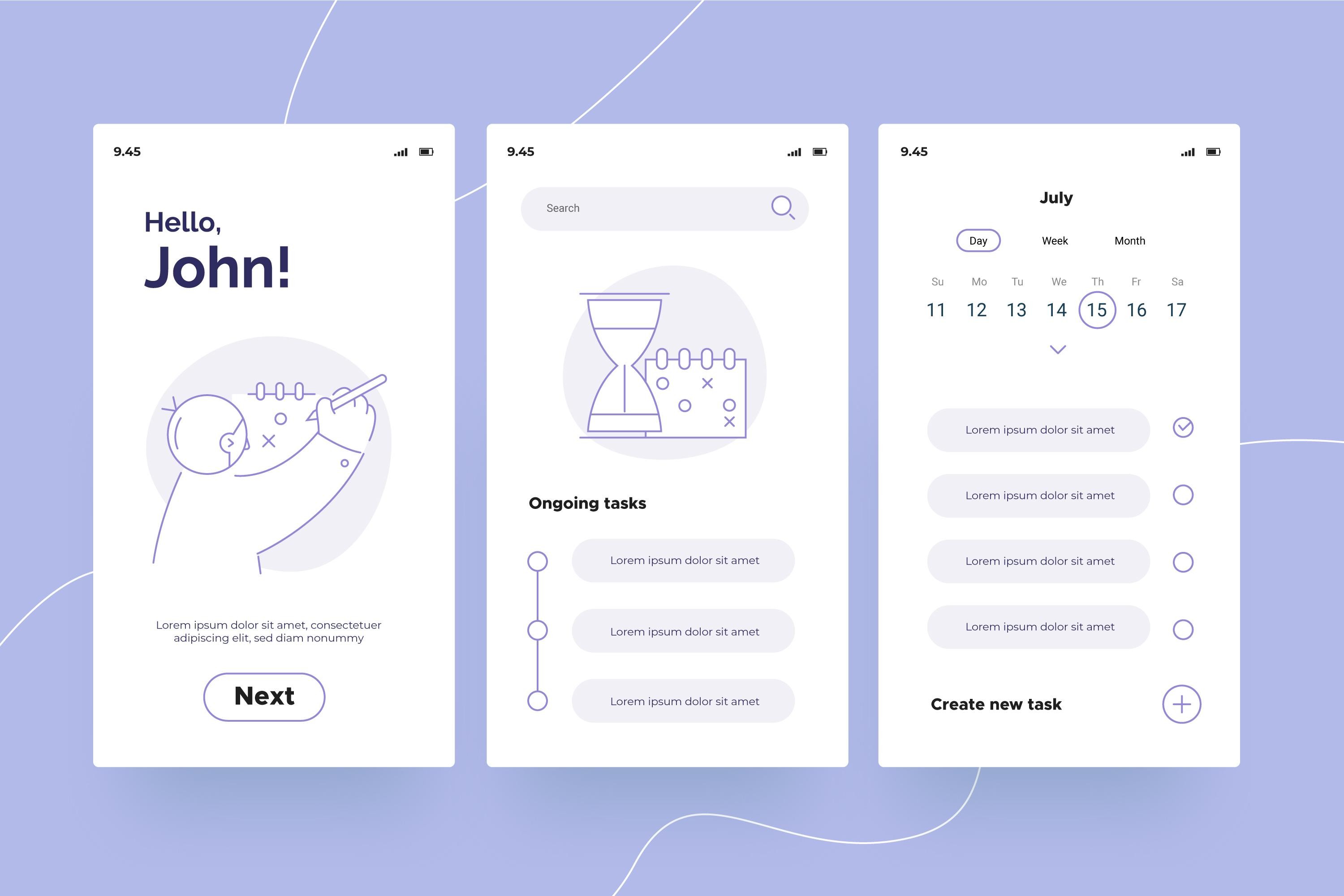
At first glance, simple design looks easy.
Clean layout.
Minimal text.
Few buttons.
Lots of white space.
It almost feels like nothing is happening.
But behind that simplicity lies one of the most difficult skills in UI/UX design.
Because simplicity is not about doing less.
It’s about understanding more and choosing wisely.
Simplicity Is Not Less Work It’s More Thinking
Many beginners believe simple design means:
“Just remove things.”
But real simplicity comes from asking:
What truly matters here?
What can confuse the user?
What is unnecessary?
What should be shown now vs later?
Every element you remove requires a decision.
And every decision requires clarity.
Simplicity is intentional, not accidental.
The Hardest Part Is Knowing What to Remove
Adding is easy.
You can always:
Add more buttons
Add more features
Add more text
Add more visuals
But removing things?
That’s where it gets uncomfortable.
Because removing means:
Letting go of ideas
Challenging assumptions
Saying “no” to features
Good designers don’t just create.
They edit.
Users Don’t Want More They Want Clarity
Most users don’t open an app to explore.
They come with a goal:
Book a ride
Order food
Send a message
Complete a task
If your design forces them to think too much, they leave.
Simplicity respects the user’s time by:
Reducing steps
Making actions obvious
Removing distractions
Clarity beats creativity every time.
Complex Systems Require Simple Interfaces
Ironically, the more complex a system is, the more important simplicity becomes.
Think about:
Banking apps
Healthcare platforms
E-commerce websites
Behind the scenes, these systems are extremely complex.
But the interface?
It needs to feel effortless.
That’s the designer’s challenge
to hide complexity without losing functionality.
Simplicity Requires Deep Understanding
You cannot simplify something you don’t fully understand.
To create simple UX, you must understand:
The user’s goal
The product’s purpose
The edge cases
The possible mistakes
Only then can you decide:
👉 What to show
👉 What to hide
👉 What to prioritize
Simplicity is built on knowledge, not guesswork.
Consistency Creates Simplicity
A simple design isn’t just about fewer elements it’s about predictable behavior.
When users see familiar patterns, they don’t need to relearn things.
Consistency in:
Buttons
Colors
Layouts
Interactions
creates comfort.
And comfort feels like simplicity.
Simplicity Is Invisible
The best simple designs don’t get noticed.
Users don’t say:
“Wow, this is simple.”
They say:
“This was easy.”
That’s the difference.
Simplicity doesn’t impress.
It disappears.
Why It Takes Time to Master
Simplicity is hard because it requires:
Experience
Observation
Iteration
Feedback
Patience
Your first designs will often be:
Overloaded
Inconsistent
Unclear
And that’s normal.
With time, you start seeing patterns.
You start removing instead of adding.
You start designing with intention.
Final Thought
Simplicity is not about making things look minimal.
It’s about making things feel effortless.
And that requires:
Deep understanding
Careful decisions
Continuous refinement
Anyone can make things complex.
Few can make things simple.
And that’s why simplicity is one of the hardest and most valuable skills in UI/UX.